How it works
From copied wallet to live execution in a few steps.
CopyPilot handles the hosting and runtime. You choose the trader, fund the wallet you want trading for you, and keep the bankroll rules under your control.
The operational flow is simple on purpose: one copied wallet, one trading wallet, one ruleset per bot.
Pick a speed tier
Choose Trader, Trader Pro, or High Frequency based on how quickly you want the bot reacting once the copied wallet moves.
Choose the wallet to copy
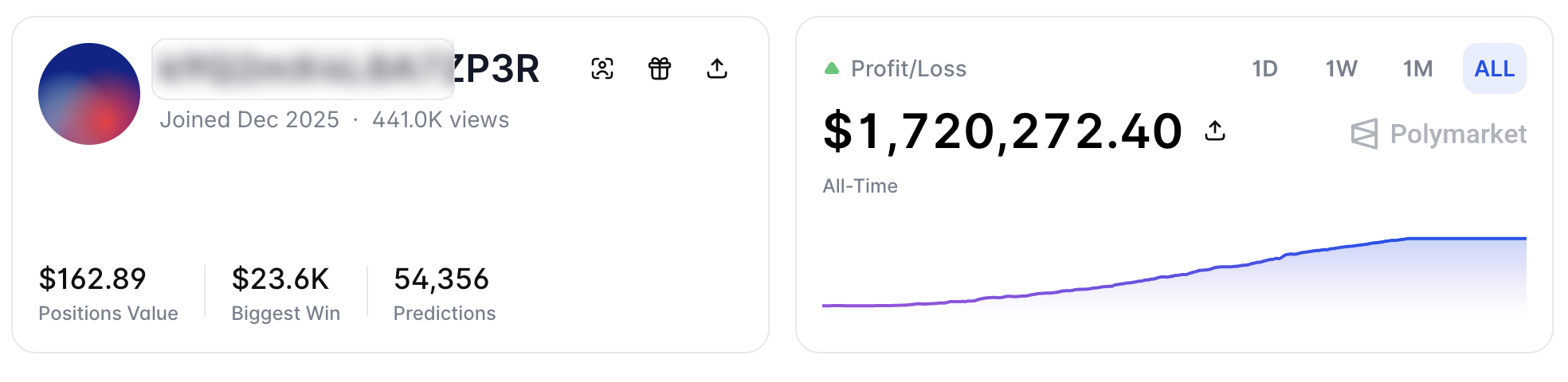
Open the trader's Polymarket profile, hover the human icon until it says `Copy address`, and paste that address into your bot.
Connect your trading wallet
Use an email-based Polymarket account, sign into Magic with the same Polymarket login, reveal the private key, and paste the funded wallet address that belongs to it.
Set bankroll rules
Choose fixed USD or percent sizing, cap the max amount per position, and add a price buffer or advanced filters if you want tighter control.
Watch it run
Once the bot is live, the dashboard shows status, the latest trade attempts, and failure reasons like insufficient funds or rejected orders.